Russian (Russia)
  English (United Kingdom)

Faced with the fact that when changing the version of php on the hosting, at the entrance to the admin panel of Opencart there is only a white screen.
Sometimes there is an error 500.
This is due to the cache of Opencart.
Returning the version of php, for example, was 7.0; then we enter the Opencart admin area.
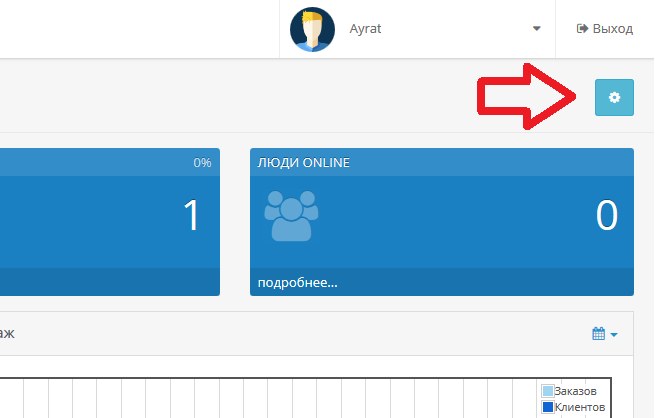
In the control panel, click the gear in the upper right corner.
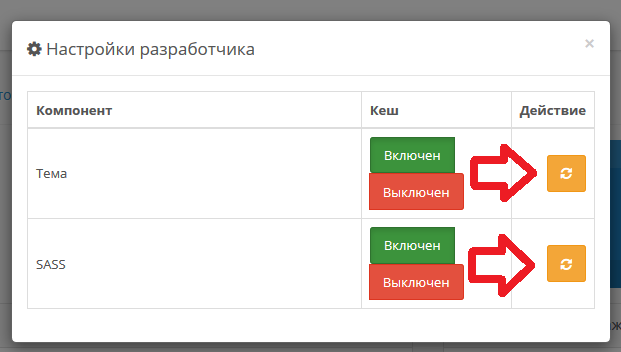
Clear the cache.
Without closing the admin panel, we change the php version to a new one, for example, from 7.0.na 7.1.
We use.
Unfortunately, this procedure will have to be done on each computer that was used to log in to the admin area.